


Label printers for offices, warehouses, production and mobile use
Our label printer series
Each series has its own page with technical data, variants, comparison and frequently asked questions. You will find prices and availability in the shop.
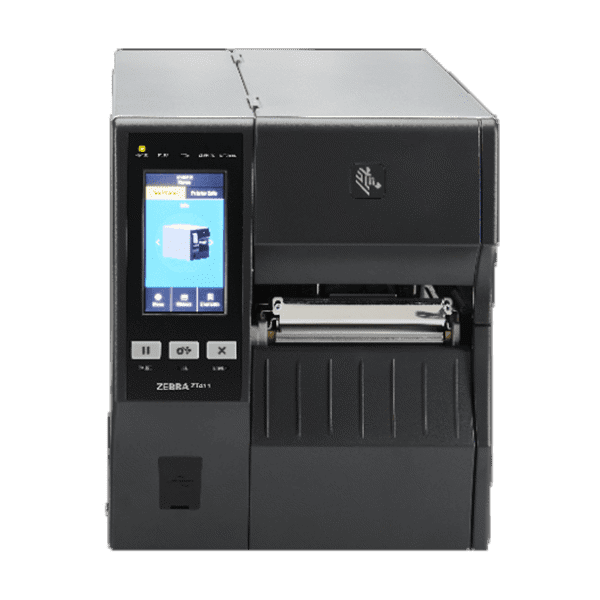
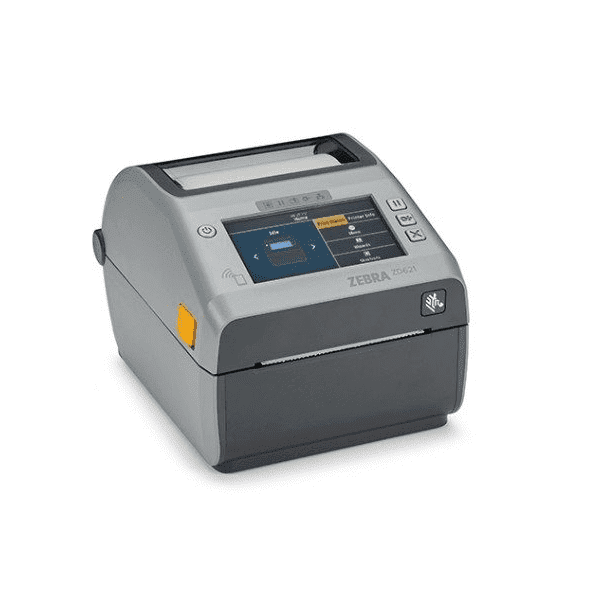
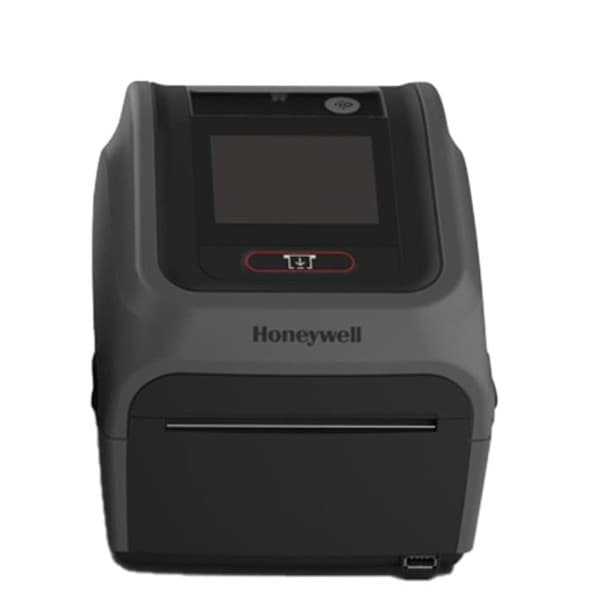
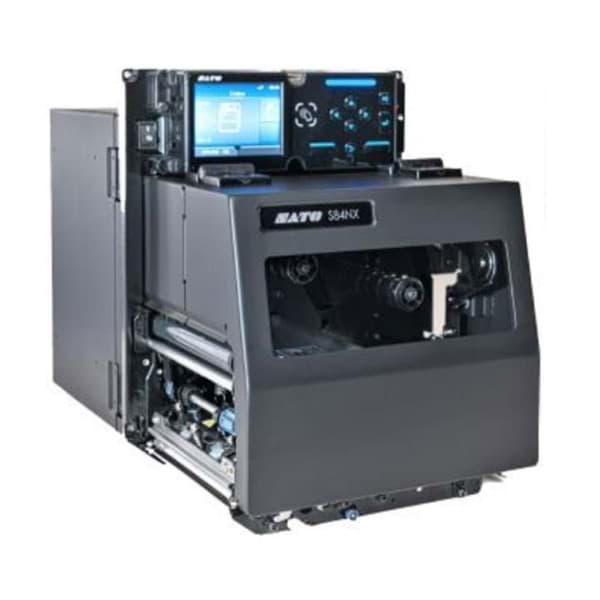
Which printer suits which application?
| Application | What matters | Suitable series |
|---|---|---|
| Packing station, office, laboratory | Compact design, simple operation, thermal transfer or direct thermal | Zebra ZD621, Brady PC45 |
| Warehouse and shipping with high volumes | Large label and ribbon rolls, speed, network | Zebra ZT411 / ZT421, Brady PM65 |
| Label applicators and print-and-apply | Print engine in left-hand or right-hand version, signal interface to the line | SATO S84NX / S86NX |
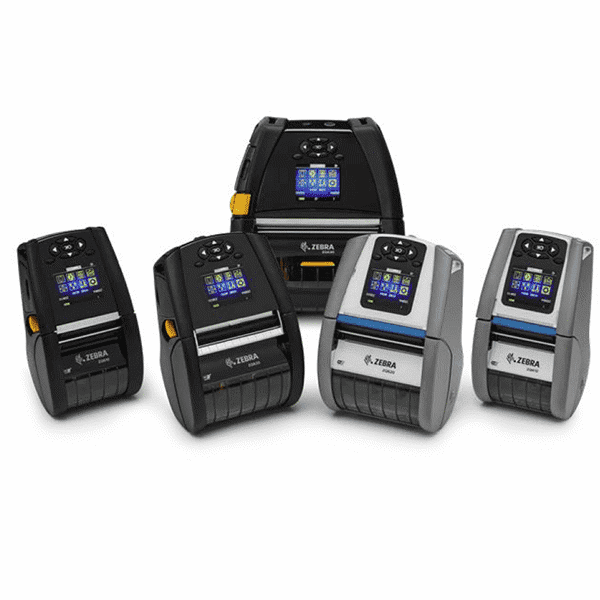
| Mobile at the shelf, in the aisle, in vehicles | Battery, weight, protection rating, Bluetooth to the mobile computer | Zebra ZQ600 Plus |
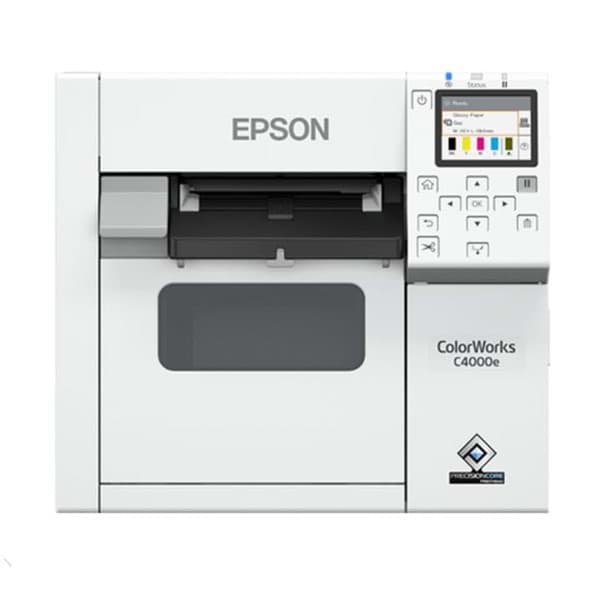
| Colour product, food and chemical labels | Colour reproduction, durability of ink and material | Epson ColorWorks |
| Printing and encoding RFID labels | UHF encoder, suitable labels and inlays | Zebra ZT411 / ZT421, Zebra ZD621R, SATO S84NX / S86NX |
| Very small labels with fine fonts and 2D codes | 600 dpi resolution | Zebra ZT411, SATO S84NX |
The series compared
| Series | Form factor | Max. print width | Resolution | Max. speed | Options |
|---|---|---|---|---|---|
| Zebra ZT411 / ZT421 | Industrial printer | 104 / 168 mm | 203 to 600 dpi | 356 mm/s | RFID, linerless (ZT411) |
| Zebra ZD621 | Desktop | 104 mm (108 mm at 300 dpi) | 203, 300 dpi | 203 mm/s | RFID (ZD621R), linerless, battery |
| Brady PC45 / PM65 | Desktop / mid-range | 108 / 167.4 mm | 203, 300 dpi | 203 / 300 mm/s | RFID, linerless (PC45d), industrial interface (PM65) |
| SATO S84NX / S86NX | Print engine | 104 / 167.5 mm | 203 to 609 dpi | 406.4 mm/s | RFID, WLAN, left or right |
| Zebra ZQ600 Plus | Mobile | 48 / 72 / 104 mm | 203 dpi | 115 mm/s | RFID and linerless (ZQ630 Plus) |
| Epson ColorWorks | Colour printer, desktop to industrial | 108 mm | up to 1,200 × 1,200 dpi | 300 mm/s (C8000e) | Cutter, peeler (C6000Pe) |
Maximum values of the most powerful variant according to the manufacturer. On many models, speed drops at higher resolution. Details on the series pages.
Source: manufacturer data sheets and product pages, as of October 2026. Subject to change; individual variants may differ. Prices and delivery times are available in the shop.
What to know before you buy
Direct thermal or thermal transfer?
In direct thermal printing, the printhead darkens heat-sensitive label material directly, so no ribbon is needed. However, the labels react to heat, light and abrasion and are mainly suited to short-lived applications such as shipping labels. In thermal transfer printing, the printhead transfers colour from a ribbon onto the label. Wax, wax-resin or resin ribbons produce durable prints, including on films and synthetic materials. Many printers handle both methods; what matters is the right combination of label and ribbon: Labels and consumables.
Which resolution: 203, 300 or 600 dpi?
Resolution determines how finely text, graphics and barcodes are printed. 203 dpi corresponds to 8 dots per millimetre and is sufficient for most shipping and logistics labels. 300 dpi (12 dots per millimetre) pays off for small fonts, logos and 2D codes on smaller labels. 600 dpi, for example on the Zebra ZT411 or as 609 dpi on the SATO S84NX, is needed for very small labels with fine codes. On many models, maximum speed drops at higher resolution. Verifiers check whether your barcodes reach the required quality: Print & Verify.
Desktop, mid-range, industrial, mobile or print engine?
Desktop printers such as the Zebra ZD621 and Brady PC45 are compact and take label rolls up to 127 mm in diameter. Mid-range and industrial printers such as the Brady PM65 and Zebra ZT411 hold rolls up to 213 or 203 mm and 450 m ribbons, which means fewer roll changes in multi-shift operation. Mobile printers such as the Zebra ZQ600 Plus are worn on the belt or used in vehicles. Print engines such as the SATO S84NX and S86NX are built into label applicators and print-and-apply lines. The deciding factors are volume, label size, environment and space at the workstation.
Printer languages, emulations and ERP integration
Each manufacturer has its own printer languages, such as ZPL at Zebra, SBPL at SATO or Fingerprint, IPL and DPL at Brady. Many printers also understand other languages via emulation, for example ZPL II on Brady (ZSim2), SATO (SZPL) and Epson. This makes swapping printers easier but does not replace a test with your templates. For ERP integration, either the ERP system sends finished print data to the printer, or central label software generates the labels from ERP data. With OPAL Labelmanagement™ we connect your printers and templates to your ERP system. Find out more under Printing.
Linerless and RFID
Linerless labels have no backing paper, so there is no liner waste. According to Zebra, up to 50% more labels fit on a roll with the ZT411. You need a printer with linerless equipment, such as the Zebra ZT411, ZD621 or ZQ630 Plus or the Brady PC45d, and suitable material. RFID printers print a label and write to the embedded UHF chip in one pass. RFID is available as an option for the Zebra ZT411 and ZT421, as the ZD621R model, for the ZQ630 Plus, for the Brady PC45 and PM65 and for the SATO print engines. We work out with you which labels and inlays suit your process: RFID overview.
Colour labels in-house
Colour label printers such as the Epson ColorWorks series print by inkjet in four colours. Logos, warning symbols, colour codes and variable data are produced in one pass, and stocks of pre-printed label rolls can be dropped. What matters is matching ink and label material, for example matte or glossy, and the durability requirements. For black and white labels in high volumes, thermal transfer printing usually remains faster.
What OPAL adds
Frequently asked questions
Direct thermal or thermal transfer: which suits me?
For short-lived labels such as shipping labels, direct thermal is usually sufficient and you save the ribbon. For labels that must stay legible for a long time or are printed on film, thermal transfer is the choice. We recommend the right combination of printer, label and ribbon.
Can I keep using my existing label templates?
Often, yes. Many current printers understand emulations in addition to their own language, for example ZPL II on Brady, SATO and Epson. We test your templates before you switch and adapt them if needed.
How do you connect label printers to our ERP system?
The printers join the network via Ethernet or WLAN. Labels are generated directly by your ERP system or by label software such as OPAL Labelmanagement™. We plan and set up the integration with you: Integration.
Which labels and ribbons suit my printer?
That depends on the print method, the material and the requirements for durability and resistance. We match label and ribbon to printer and application and supply the material: Labels and consumables.
Does OPAL offer service and repair for label printers?
Yes. OPAL is a certified Zebra Repair Center. We are happy to advise you on maintenance, repair and service contracts for your printers: Service.