Label printing from SAP EWM: 5 success factors
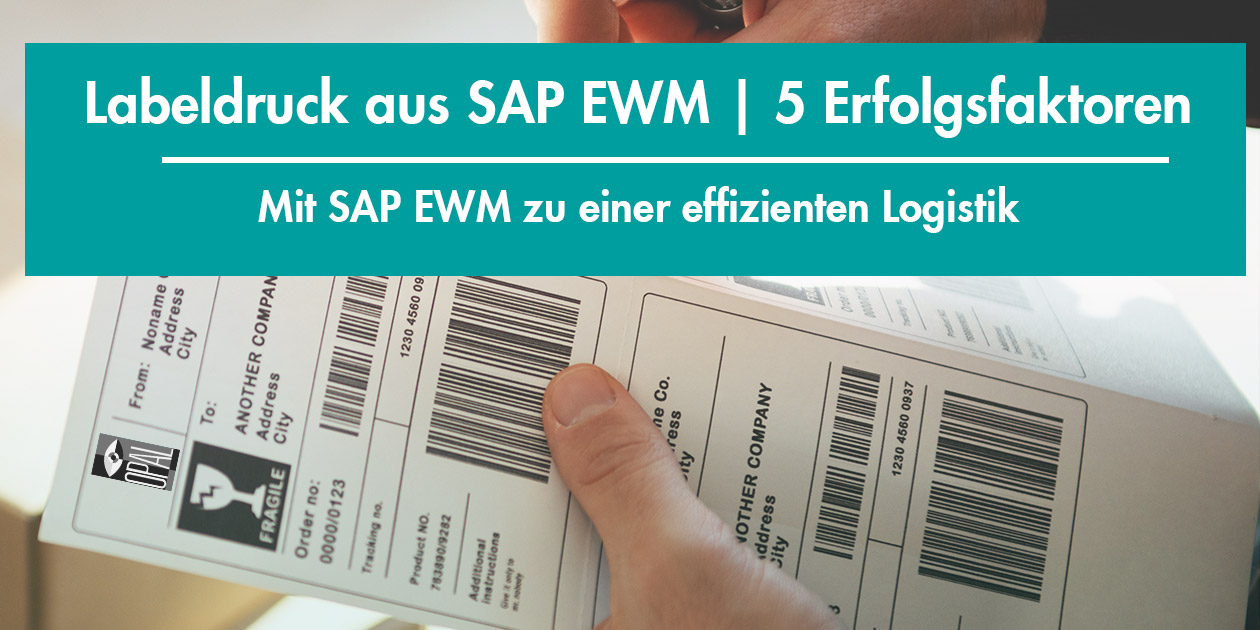
In this article we look at label printing from SAP EWM and the 5 success factors.
The introduction of SAP EWM puts many topics such as label printing and mobile applications on the agenda. Label printing and mobile applications are difficult to implement after the EWM introduction; they belong in the EWM project. To ensure that these additional topics do not overstretch the EWM project and are still handled professionally and efficiently, professional help from experts is advisable.
SAP EWM stands for Extended Warehouse Management and has been available as an additional module for SAP Supply Chain Management since 2005. SAP EWM is mainly used by companies with extensive logistics processes. Companies with simpler logistics processes have so far been well served by the standard functionality of SAP WM.
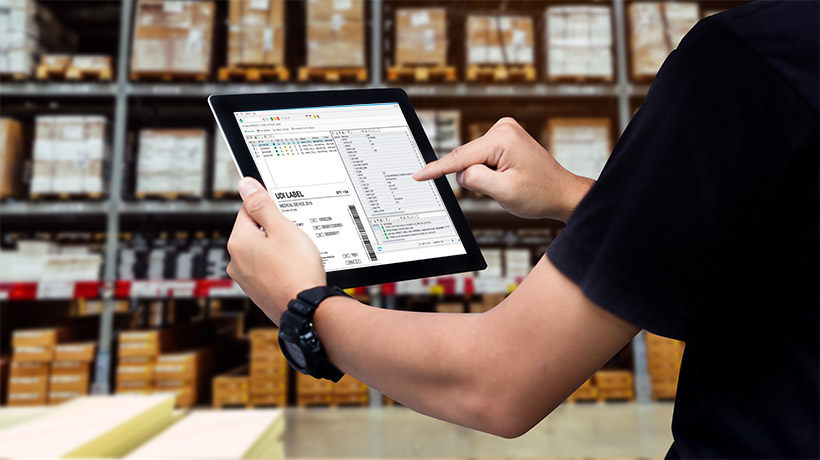
SAP has announced that from 2027, SAP WM will only be supported in a leaner version as “Stock Room Management”. New developments will not be added to this solution; they are reserved for the strategic product SAP EWM.
For this reason, many companies are rethinking their existing logistics processes in order to take advantage of SAP EWM. These considerations often bring to light supporting processes such as label printing and mobile applications, which until now have been handled rather rudimentarily. These processes have also evolved in the meantime and, just like SAP EWM, can contribute to an enormous increase in efficiency in logistics.
Don’t squander the benefits of SAP EWM
Many of the benefits of SAP EWM only deliver a significant increase in efficiency in combination with the right supporting processes. Examples in which labelling and mobile processes need to be aligned hand in hand with SAP EWM:
- Handling hazardous substances: labelling of hazardous substances
- Value-added services: kitting, private labels, specific packaging, etc.
- Radio frequency framework: RFID, barcode scanning and voice control via mobile devices.
- Automation: triggering label processes from automatic packaging processes.
- Integration of logistics partners: labels that can be used by both partners.
As the examples show, supporting processes such as labelling and mobile applications are just as important as SAP EWM itself.
The success factors for label printing with SAP EWM
There are various approaches to implementing a labelling solution for SAP EWM. If you are open to specialised label systems and value efficiency, flexibility and intuitive operation, we show you here which factors you need to consider when selecting and introducing such a system.
1. Use the strengths of the systems (depth of integration)
SAP
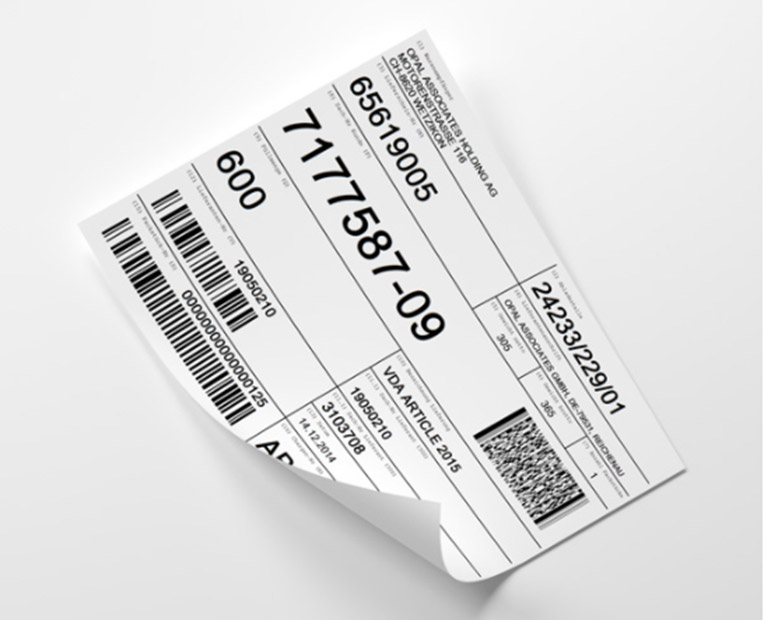
As the leading system for business processes and their data, SAP must also be the source for labelling processes. It is important that a label management system reads directly from the SAP database and not via exported data, which is often already out of date at the time of export. With the right solution, the labelling process, such as assigning label templates (layouts) to the product, defining the input fields for printing, data determination, language determination and target printer, can be optimally controlled, checked and executed in SAP.
Numerous SAP functions such as authorisation objects, digital signatures and user management are also solutions you have already paid for and that your SAP team already knows inside out.
Label creation
In SAP, creating labels, in particular the design, positioning and resizing of objects such as images, barcodes and text, is a highly demanding task. Unicode capability, barcodes, RFID and image processing require specialist knowledge.
With professional label designer solutions on the market, these requirements are taken off your hands. With drag & drop functions and simple data mapping from SAP, you can create a working label in a short time. You also achieve a separation between design and data, which gives you more options for dividing tasks and responsibilities.
Microsoft Windows services
Most users have installed a printer driver at home at some point. IT administrators are familiar with the Windows print spooler and Windows printer drivers and can easily fix problems. The spool entries make it easy to see whether a print job was sent or whether the printer cannot execute it.
2. Automation capability
With SAP EWM, expectations regarding automation are high. This does not only mean automated processes within SAP, but also across system boundaries, be it a packaging line, a manufacturing execution system (MES) or a warehouse management system (WMS). Standardised interfaces such as web services and XML make it easy to ensure interoperability.
Within EWM and SAP, it must be possible to generate a label for every transaction via a BAPI (Business Application Programming Interface) or an SAP message.
3. Flexibility and scalability
Rapidly changing customer relationships and supply chains also have a major impact on product marking and labelling in logistics processes. A label management system must therefore be transparent, clear, easy to understand and quickly adaptable. Regardless of the printing technology, the number of devices and the label volumes required, the system must be able to keep pace with volumes in production and logistics.
4. Modularity
Solutions that can be configured modularly have the advantage that a customer only pays for what they actually need. In addition, modular structures allow complexity and responsibilities to be divided up and thus simplified.
5. Service
Service for a new product, system or process starts with the evaluation. In make-or-buy decisions, service can make a decisive difference. With a make decision, it is easy to overlook the fact that implementation usually takes longer than planned. In addition, important topics such as security, authorisation, logs, traceability and change management are often forgotten during implementation. Solutions resulting from make decisions have often been expanded over the years and have involved more and more people in their operation.
With a buy decision, service competence and quality become apparent in the very first discussions with the provider, when they understand your requirements and can offer a suitable solution. As a company, you want to benefit not only from the product but also from the provider’s knowledge and experience. Providers who can convince here are the best guarantee that your project stays on time and within budget. Check the provider’s service offering before you buy. Make sure it matches your expectations and that you get help when you really need it.
Our conclusion on label printing from SAP EWM
The introduction of SAP EWM puts many topics such as label printing and mobile applications on the agenda. Label printing and mobile applications are difficult to implement after the EWM introduction; they belong in the EWM project. To ensure that these additional topics do not overstretch the EWM project and are still handled professionally and efficiently, professional help from experts is advisable.
OPAL Holding is the experienced expert when it comes to label printing with SAP. It not only supplies its customers with label printing software, but also offers label printers, mobile devices and labels in standard or custom sizes.
Would you like to see OPAL LABELMANAGEMENT™ live?
Our experts will be happy to show you in a live demo how easy it is to manage and print a label via SAP EWM.