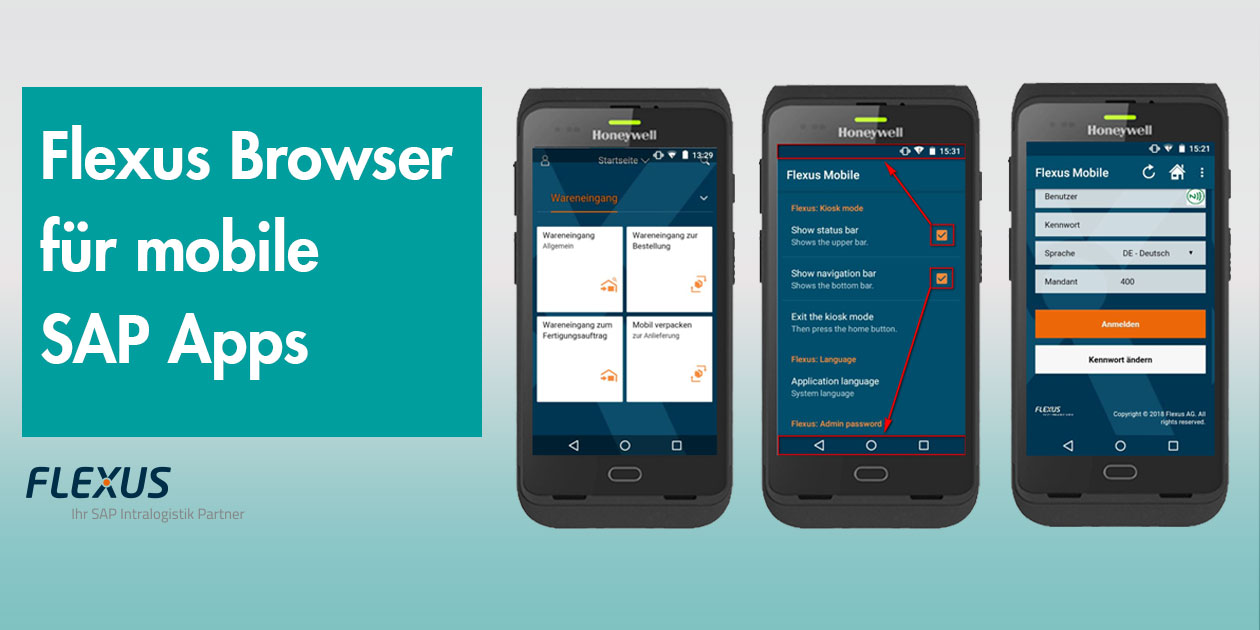
With the Flexus Mobile Browser, Flexus AG brings SAP Fiori and ITSmobile apps to modern Android devices – an industrial browser developed specifically for logistics, field service and production.
THE CORE PROBLEM
Windows CE is being phased out – what comes next?
Digitalisation is a continuous process in which old technologies are replaced by new ones. The end of support for the Windows systems Windows CE, Embedded and Mobile – systems in use since the 1990s – was announced for January 2020. Many older devices in logistics still run on exactly these.
Since SAP® has also announced that it will increasingly handle applications in a device-independent way via the web browser, a future-proof alternative for mobile SAP scenarios is needed.
THE SOLUTION
An industrial browser for SAP Fiori and ITSmobile
The Flexus Mobile Browser is developed for Android devices from version 4.1.1 and can be used on devices both with and without touch. It is ideal for handhelds and tablets in combination with SAP®, SAP Fiori apps and ITSmobile – and is already successfully in use at our customers.
- →Camera use: integration of hardware functions – camera, signature function as well as light and sound control.
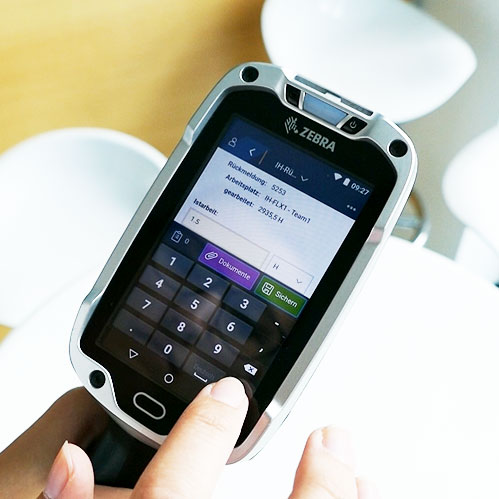
- →Automatic keyboard: the appropriate keyboard is shown depending on the input field, e.g. numeric or alphanumeric.
- →SAP Fiori and ITSmobile: can be used on all Android devices.
- →Kiosk mode: the browser starts directly when the device is switched on – whether handheld, terminal or smartphone.
- →Full screen: the usual start and navigation bars are hidden – more space for the actual application.
- →NFC login: contactless login of employees to the system – time-efficient and intuitive.
MAKE FULL USE OF THE HARDWARE
Scan, sign, speak – directly in the browser
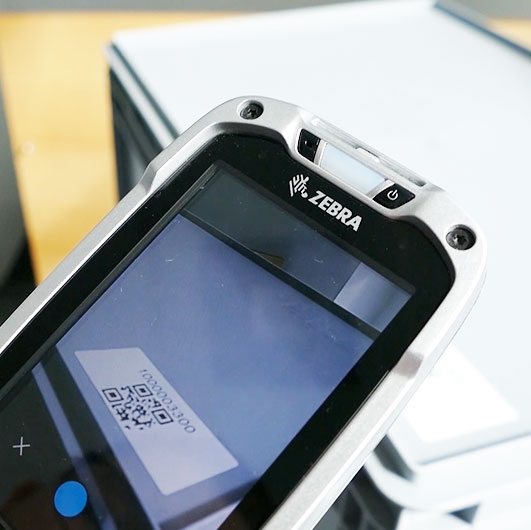
Numerous hardware functions that are not available via a normal browser become usable with the Flexus solution: the device camera can be used for scanning, for example, so that bookings are made right where the action is. Text-to-speech and the signature function are also available.
EASY FOR YOUR EMPLOYEES
Kiosk mode for shared devices
In logistics, devices are often used by several employees. The integrated kiosk mode manually restricts the apps visible from the start – or launches the Flexus Mobile Browser directly when the device is switched on.
EFFICIENT WORK PROCESSES
Full screen, the right keyboard
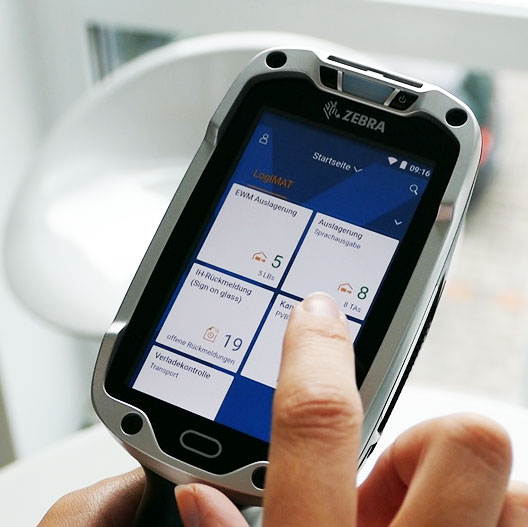
The status and navigation bars usual for Android can be hidden – the entire device screen is available to the application. Especially convenient: if a field requires only numeric values, only a numeric keyboard is automatically shown.
FOR YOUR BUSINESS
Future-proof along the entire supply chain
The Flexus Mobile Browser supports and optimises your internal process flows along the complete supply chain. OPAL advises you on the right hardware, integrates the solution into your SAP landscape and supports you in the switch from Windows CE to Android.
Would you like to use SAP Fiori or ITSmobile on Android devices in a future-proof way? Ask us your questions – we are happy to advise you.
Mobile computers, wearables and ERP connectivity: OPAL digitises picking, goods receipt and inventory and supports the devices in daily operation.